출시Android
Quick Checklist
Reusable checklist templates with home screen widgets for routines and inspections.
제품 정보
About
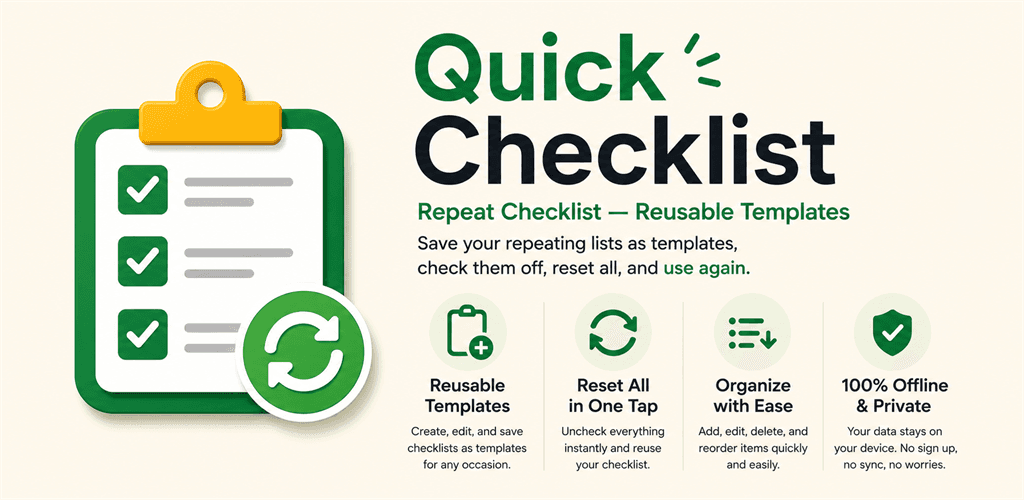
Quick Checklist turns the lists you run again and again — camping prep, work bag, travel, baby outings, shopping, cleaning routines, vehicle checks — into reusable templates. Save a template once, then check items off each time you use it; tap Reset to clear all checks in one move and run the same list tomorrow without manual cleanup. The app deliberately stays a single-purpose checklist tool rather than overlap with the broader Quick Notes app.
The app is fully offline. There are no accounts, no sign-in, no cloud sync — your templates live in the device's Room database and nowhere else.
Features
- Template creation, editing, deletion, and one-tap duplication (duplicates start with every item unchecked)
- Per-template title, icon, and color, with custom sort order and "last used" sorting
- Item add / edit / delete and up/down reordering, with bulk check / uncheck
- One-tap Reset all — clear every check at the end of a session so the template is ready for next time
- Real-time persistence to a local Room database — nothing is lost if the app is closed mid-session
- Home screen Glance widgets in four sizes: 1×1 (title + progress %), 2×2 (progress bar), 4×2 (up to 3 unchecked items), 4×4 (up to 8 unchecked items)
- Widget tap opens the matching template's detail screen directly via an `EXTRA_TEMPLATE_ID` intent
- Sample templates seeded once on first launch so the app is useful immediately
- Light, dark, and "follow system" theme support
- AdMob adaptive banner ads (Main / Detail / Settings) and an App Open ad (skipped on first launch, then shown at most once every four hours)
- One-time in-app purchase to remove all ads (Google Play Billing 7, product ID
remove_ads) - Fully offline — no account, no server sync, no cloud backup of checklist data
설치 및 실행