출시Android
Quick Notes
Simple and fast notepad app.
제품 정보
About
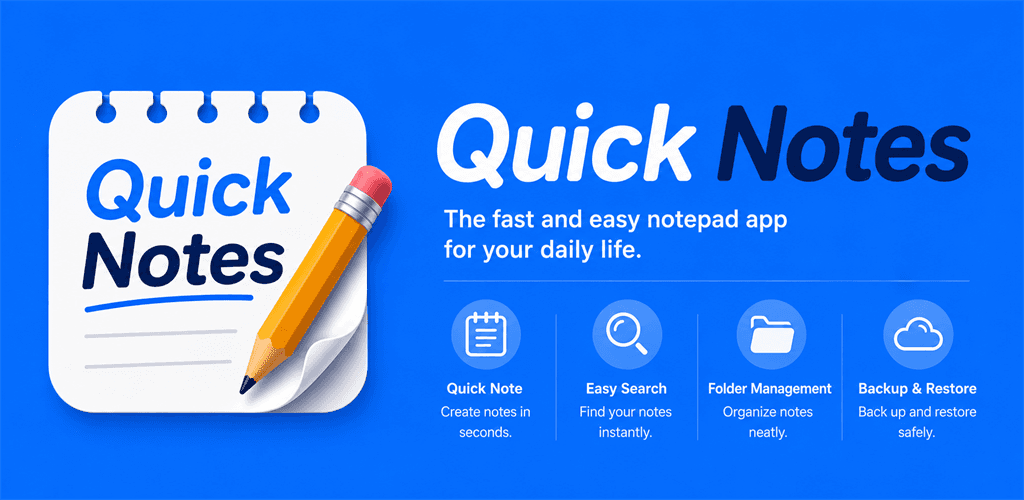
Quick Notes is an Android memo app focused on capturing thoughts the moment they happen. Create, edit, archive, restore from trash, and organize notes with color labels, checklists, and folders. Full-text search across notes is built in. A first-launch onboarding pager walks you through the system-wide Quick Access entry points, and each entry can be toggled individually in Settings — every Quick Access entry is off by default.
Quick Notes is free to use with ads. You can remove ads at any time through an in-app purchase.
Core Features
- Notes management — create, edit, archive, restore, and soft-delete to trash
- Color labels for quick categorization
- Checklist notes with checkable items
- Folders to organize notes; pin a folder to the launcher for one-tap access
- Full-text search across all notes
Quick Access — System-Wide Entry Points
Six optional entry points let you reach Quick Notes without opening the app first. Each is opt-in via Settings → Quick Access, and a tutorial bottom sheet introduces each one when you turn it on (replayable from a [?] button on every row).
- App Shortcuts — long-press the launcher icon for "New note", "New checklist", or "Search"; pin a folder to launch directly into it
- Quick Settings Tile — one tap from the pull-down tray opens a new memo
- Share to Quick Notes — appears in any app's share sheet (text/plain); Sharing Shortcuts (Direct Share) on Android 10+ surfaces frequent targets
- Voice via "Hey Google" — App Actions
actions.intent.CREATE_NOTEdictates a memo straight into the editor (release builds) - Text selection menu — "Save to Quick Notes" from any app's text-selection context menu (incoming text capped at 10 MB)
- Call Memo — opt-in floating composer that appears during a phone call, auto-dismisses on idle, and saves directly to your notes; runtime permissions required, off by default
Other Features
- Glance home-screen widget — recent notes plus a "+ New note" entry button
- Adaptive banner and app open ads on the free tier (suppressed after the Remove Ads purchase)
- Remove Ads — one-time in-app purchase via Google Play Billing
- EU consent flow powered by Google User Messaging Platform (UMP)
- Native Google Play in-app review prompt
설치 및 실행